
Feedback
freeTrialImage.bannerPity
freeTrialImage.upgradeUnlock
- ✓freeTrialImage.benefitHd
- ✓freeTrialImage.benefitWatermark
- ✓freeTrialImage.benefitUnlimited
Seedream 5.0 flash
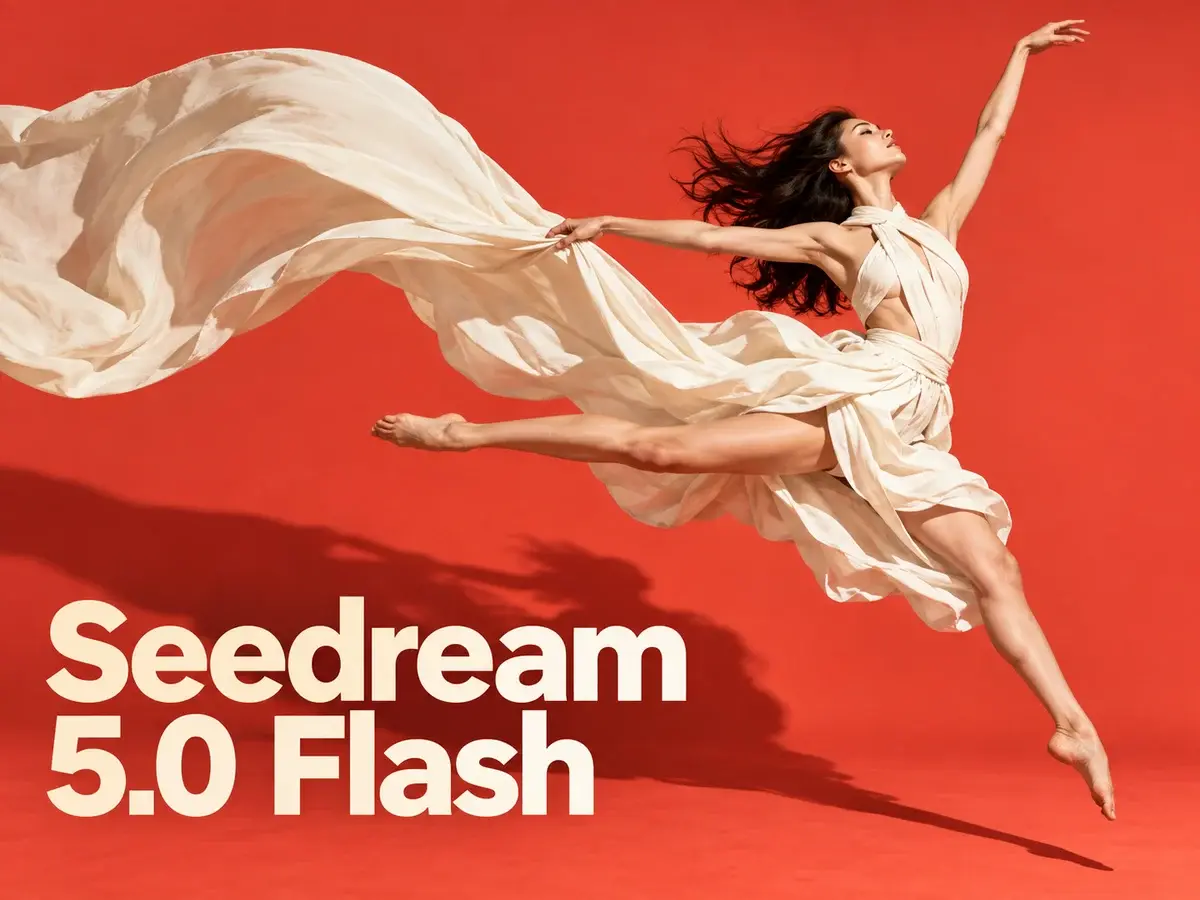
Seedream 5.0 Flash renders prompt-to-image art and edits with up to ten references — 2K PNG/JPEG output, lettering in many languages, 3 credits each.
AI Tools
Explore AI tools


Seedream 5.0 Flash: The Speed-First Tier Explained
The value pick inside ByteDance's Seedream 5.0 series, engineered for rapid rendering and edits assembled from multiple reference photos.
- Built for Speed Within the 5.0 LineupOccupies the affordable slot in ByteDance's Seedream 5.0 family, positioned just beneath the flagship Seedream 5.0 Pro.
- Same Cost at Every ResolutionThree credits buys any size — 1K, 1.5K or 2K. Editing carries the same fee, and the references you upload are free.
- Edit With Up to Ten ReferencesSupply as many as ten pictures, describe the alteration you want, and Flash combines them into one finished image.
Getting Started With Seedream 5.0 Flash
Three quick steps take you from a rough idea to a finished picture or edit.
Seedream 5.0 Flash: Common Questions
Straight answers about generating, editing, credit costs and output dimensions.
What is the difference between Seedream 5.0 Flash and Seedream 5.0 Pro?
Flash takes the speed-and-value slot in Seedream 5.0, while Pro serves as ByteDance's flagship — maximum visual fidelity, stronger typography and output up to 2K.
What resolutions and aspect ratios are available?
You can output at 1K, 1.5K or 2K, and select from a wide spread of ratios, from 21:9 widescreen all the way to 9:16 vertical.
Do credit costs change with the resolution I pick?
Every image costs 3 credits regardless of size. Edits are billed identically, and uploading references adds nothing to your total.
How many reference images can a single edit take?
Ten at most. Add them, describe the change, and Flash merges the subjects, products and styles into one image.
Does Seedream 5.0 Flash support text in other languages?
It does. Legible lettering in English or other languages can be rendered into an image — useful for posters, menus, social posts and product mockups.
Which models make up the Seedream series?
Seedream 5.0 Pro, Seedream 5.0, Seedream 4.5 and Seedream 4 — each balancing fidelity, typography and generation quality in its own way.
Start Creating With Seedream 5.0 Flash
Write a prompt or upload ten references and edit away — each image costs 3 credits, arrives at up to 2K as PNG or JPEG, and references stay free.